
Delete your MapRaiders account
App: MapRaiders (com.mapraiders.app) and mapraiders.com/play/ · Provider: SCAFA INVESTMENTS LLC · Updated: October 18, 2026
Option 1: delete the account in the game (recommended)
- Open the app, or mapraiders.com/en/play/ in a browser, and sign in.
- In the menu, open Account and choose the Security tab.
- Tap Delete account.
- Confirm the deletion.
It works the same in the app and in the browser, you do not need the app for it. The deletion takes effect immediately and cannot be undone. There is no waiting period and no “deactivated” state.
Option 2: request the deletion by email
If you can no longer sign in: send an email from your account’s address to info@scafa-investments.com with the subject “Account deletion” and your player name. We delete the account and confirm it by reply.
What is deleted
All data of your account is removed from our database immediately, including:
- The account itself: email address, player name, password hash, sign-ins and the link to Google or Apple
- Your recorded GPS routes
- Your collection, decks, coins, season progress, missions, creatures, vehicles and your own building designs
- Your duels and game statistics
- Your review of the game
- Friendships, blocks, clan membership, clan messages and your messages to other players
- Reports you made about other players, and reports others made about you
What remains
- Your land and buildings stay on the map, but without an owner and without any link to you.
- Database backups are not edited one by one. They are overwritten after 60 days at the latest, after that the account is gone there too. Should we ever restore a backup, accounts deleted since then are deleted again at once.
- We delete emails with our support once the request is settled.
- Server and relay logs with IP addresses are deleted after 30 days at the latest.
Delete single data without closing the account
You can delete single things and keep the account: withdraw your review, block chat partners, remove the clan picture and delete your own building designs. Under Account, Download my data saves a complete copy of your data.
Questions
Contact: info@scafa-investments.com. See also our privacy policy.
What you can do in MapRaiders
MapRaiders joins two worlds. Outside, you claim real streets and squares on the GPS map, on foot, running or by bike. Inside, you collect cards, build a deck around your commander and play in the arena, at home or away. Land you walk is meant to bring you cards.
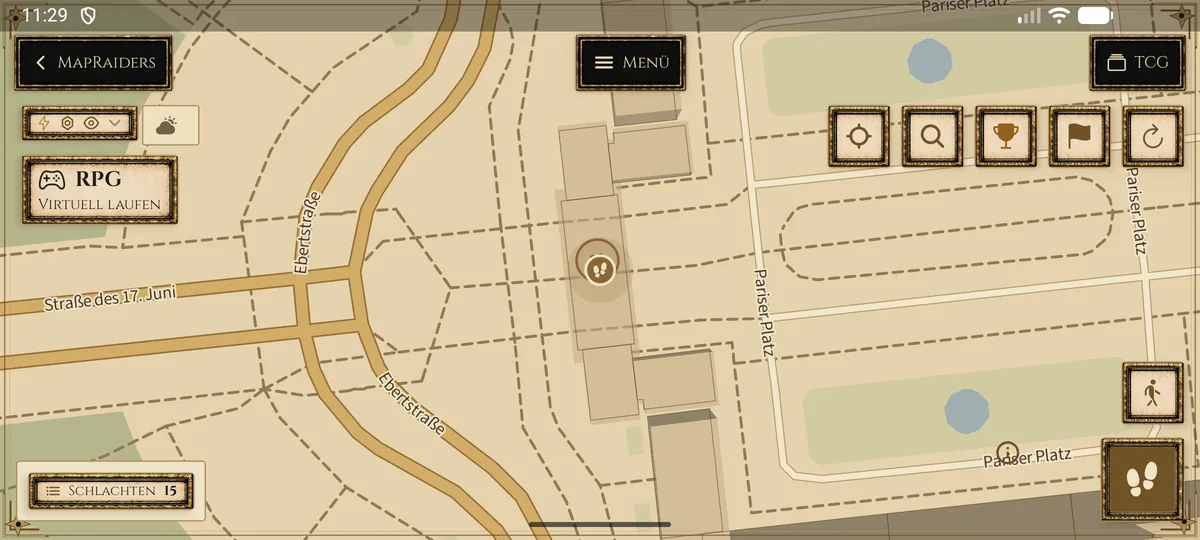
Claim territoryYour route draws the border. Streets and squares on the real map become your territory. 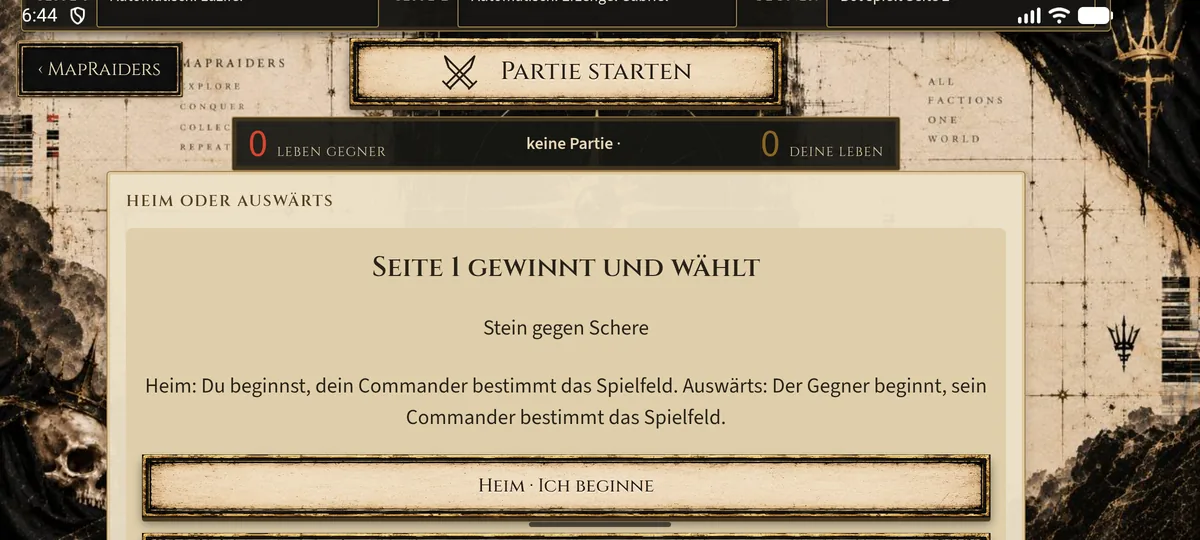
Card game and arenaFifty cards around one commander. In the arena you play your deck against others, home or away.

